


Low-Code vs No-Code Platforms: Complete Business Guide
1. What Are Low-Code and No-Code Platforms?
2. Low-Code vs. No-Code: Key Differences
3. Why Low-Code/No-Code Adoption Is Accelerating
4. Low-Code vs. No-Code vs. AI Code Generation
5. The Best Low-Code and No-Code Platforms
6. Benefits of Low-Code/No-Code Development
7. Risks and Limitations to Plan For
8. Low-Code/No-Code vs. Custom Development: How to Decide
9. What This Means for Businesses
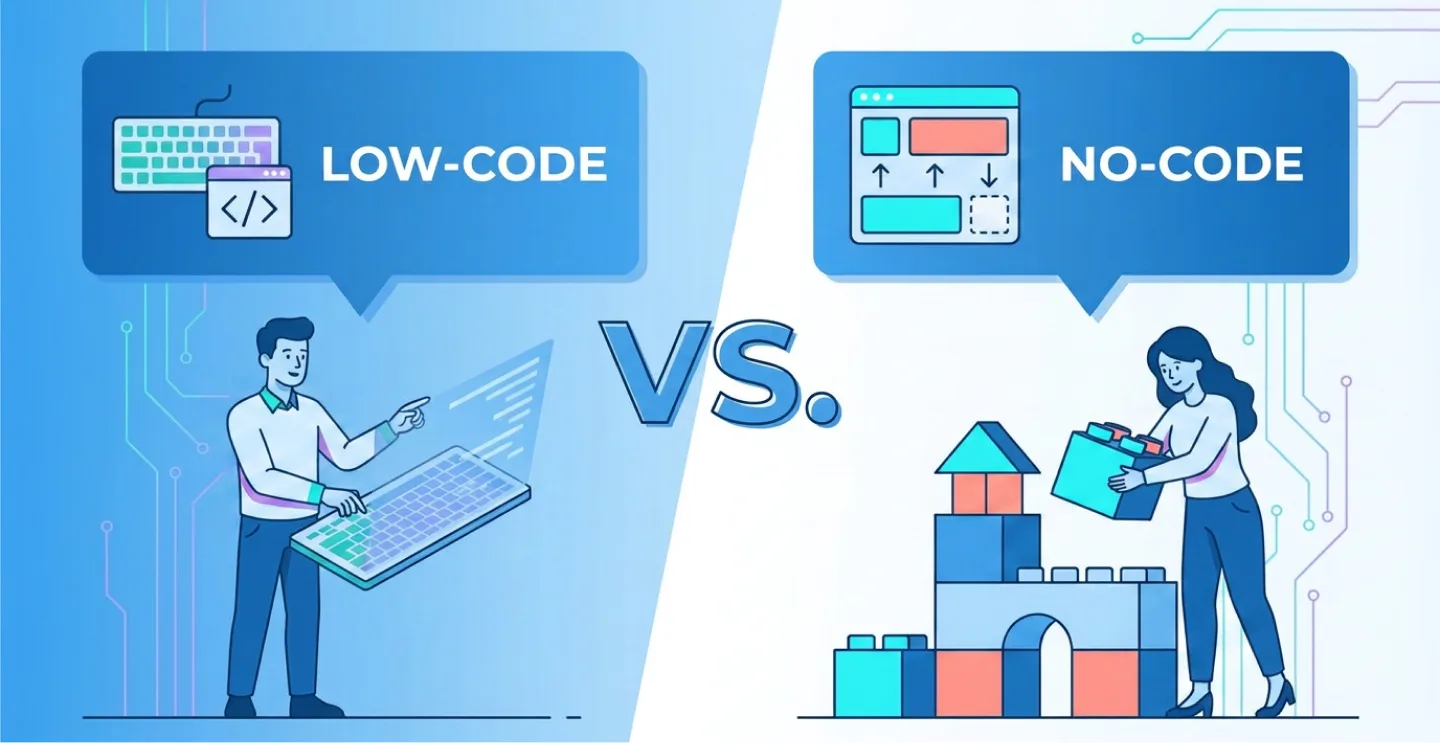
What Are Low-Code and No-Code Platforms?
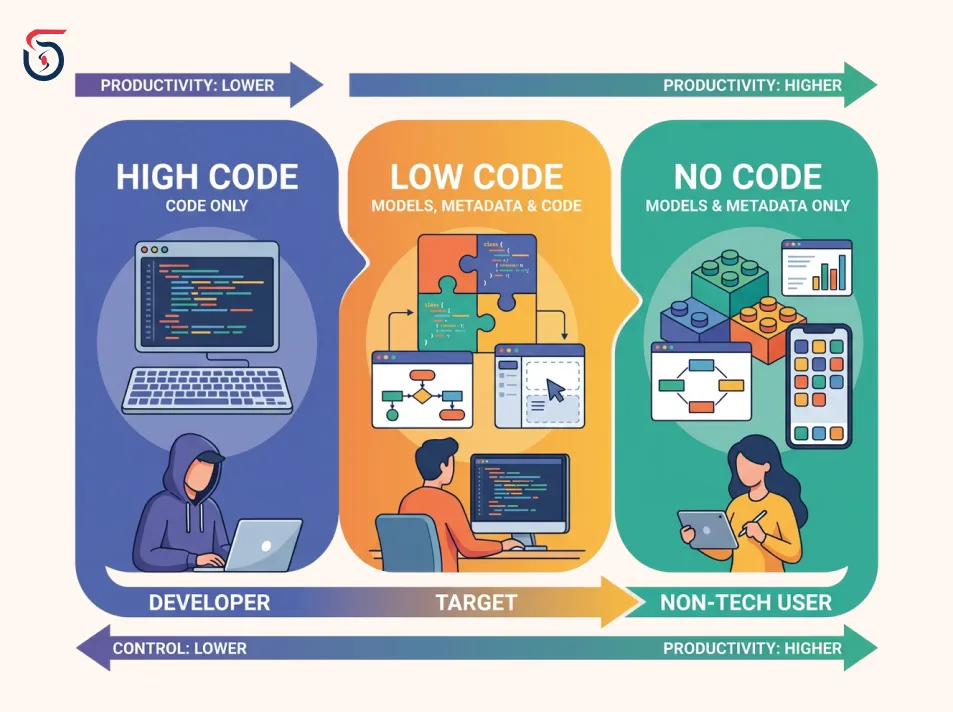
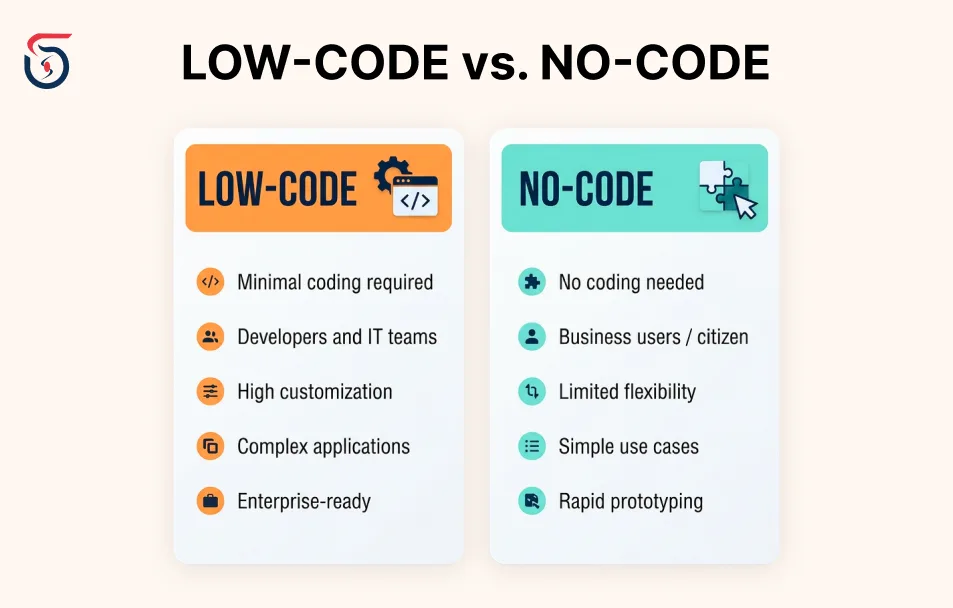
Low-Code vs. No-Code: Key Differences
| Factor | No-Code | Low-Code |
|---|---|---|
| Who builds | Business users, citizen developers, non-technical founders | Professional developers, technical teams, IT departments |
| Coding required | None | Minimal, for complex logic or custom integrations |
| Learning curve | Hours to days | Days to weeks |
| Scalability ceiling | Lower - hits walls on complex or high-traffic apps | Higher - code escape hatches extend it further |
| Best for | MVPs, landing pages, internal forms, simple workflows | Internal business tools, enterprise apps, complex integrations |
Why Low-Code/No-Code Adoption Is Accelerating
- ◆The developer shortage is structural, not temporary. Companies can't hire their way out of backlog, so they're giving non-engineers the tools to build for themselves.
- ◆Citizen development has gone mainstream. A growing share of new enterprise applications is now built on low-code or no-code platforms, with more platform users sitting outside formal IT departments than inside them.
- ◆AI has changed what "building" even means. The biggest recent shift isn't a new drag-and-drop feature. It's natural-language app generation. Describe what you want, and many platforms now generate a working database schema, UI, and logic automatically.
- ◆Enterprise-grade security has caught up. Many platforms now offer SOC 2, GDPR, and HIPAA-aligned compliance features, audit trails, and role-based access controls, making them viable for regulated industries.
Low-Code vs. No-Code vs. AI Code Generation
- ◆No-code abstracts code away entirely. You never see it, and can't export it.
- ◆Low-code uses proprietary visual builders with optional custom code in specific slots.
- ◆AI code tools generate real, standard source code (React, Next.js, Python, etc.) from natural-language prompts, which you own outright, no proprietary format, no platform lock-in on the codebase.
The Best Low-Code and No-Code Platforms
For No-Code Web & Mobile Apps
- ◆Bubble: The most flexible full no-code application builder, strong for SaaS MVPs.
- ◆Glide / Adalo: Faster, simpler builders for straightforward mobile apps and internal tools, though a dedicated mobile app development framework gives you far more room to grow.
- ◆FlutterFlow: Offers code export, giving teams an exit path most no-code tools don't.
For Internal Tools & Admin Panels
- ◆Retool: The standard for engineering teams building internal dashboards fast.
- ◆Appsmith / ToolJet / Budibase: Open-source alternatives competing on self-hosting and avoiding lock-in.
For Enterprise-Grade Applications
- ◆OutSystems: Built for large-scale, mission-critical apps with strong DevSecOps integration.
- ◆Mendix: A model-driven platform letting business and professional developers collaborate on one project.
- ◆Appian / Pega: Process-orchestration specialists for regulated, case-management-heavy workflows.
For Microsoft, Salesforce, or Google Ecosystems
- ◆Microsoft Power Apps: The natural pick for organizations already on Microsoft 365, Dynamics, or Azure.
- ◆Salesforce Platform: Best for teams building on existing Salesforce data and CRM workflows.
- ◆Google AppSheet: Budget-friendly, integrates cleanly with Google Workspace.
For Websites & Marketing Pages
- ◆Webflow: Industry-leading design control with strong SEO fundamentals.
- ◆Framer / Wix: Faster to learn, good for portfolios and simple marketing sites.
Benefits of Low-Code/No-Code Development
- ◆Faster time to market: development time is commonly cut by 70-90% compared to traditional coding.
- ◆Lower development costs: fewer engineering hours per app means real budget savings for internal tools.
- ◆Reduced IT backlog: business teams build their own departmental tools, freeing IT for complex, high-stakes systems.
- ◆Faster iteration: visual builders make it cheap to test an idea and change direction before committing to a full build.
- ◆Closing the developer gap: organizations ship more without growing headcount at the same rate.
Risks and Limitations to Plan For
- ◆Scalability ceilings. No-code tools can hit walls once complexity, traffic, or custom-logic needs exceed what the visual builder supports, the point where a purpose-built, scalable tech stack starts paying for itself.
- ◆Vendor lock-in. Proprietary builders often don't let you export your app as standard code, making migration a full rebuild.
- ◆Governance gaps. Dozens of independently-built departmental apps can mean inconsistent data handling and unclear ownership when something breaks.
- ◆Integration complexity at scale. A platform that handles three integrations cleanly may struggle with thirty.
- ◆Hidden total cost of ownership. Per-seat pricing looks affordable until you scale across a large user base, model your real seat count before comparing sticker prices.
Low-Code/No-Code vs. Custom Development: How to Decide
| Signal | Lean Low-Code/No-Code | Lean Custom Development |
|---|---|---|
| Project stage | Validating an idea or MVP | Scaling a proven product |
| Complexity | Standard CRUD, forms, workflows | Custom algorithms, high-traffic performance needs |
| Data sensitivity | Light internal data | Regulated, high-stakes, or deeply integrated data |
| Long-term plan | Departmental tool, short shelf life | Core product, multi-year investment |
| Team | No engineering resources | Access to a development team or partner |

Never Miss an Update
Add SoftSages Technology as a Preferred Source on Google for more of our latest tech content in AI Mode and AI Overviews.
What This Means for Businesses
Thinking about whether low-code is enough, or your project needs real engineering behind it? SoftSages Technology helps businesses make that call with confidence. Whether you need a quick proof-of-concept or a fully custom, scalable application built to last, our team can architect the right solution for where your business is headed. and get a clear, no-pressure assessment of the right path for your project.
Table of contents
What Are Low-Code and No-Code Platforms?
Low-Code vs. No-Code: Key Differences
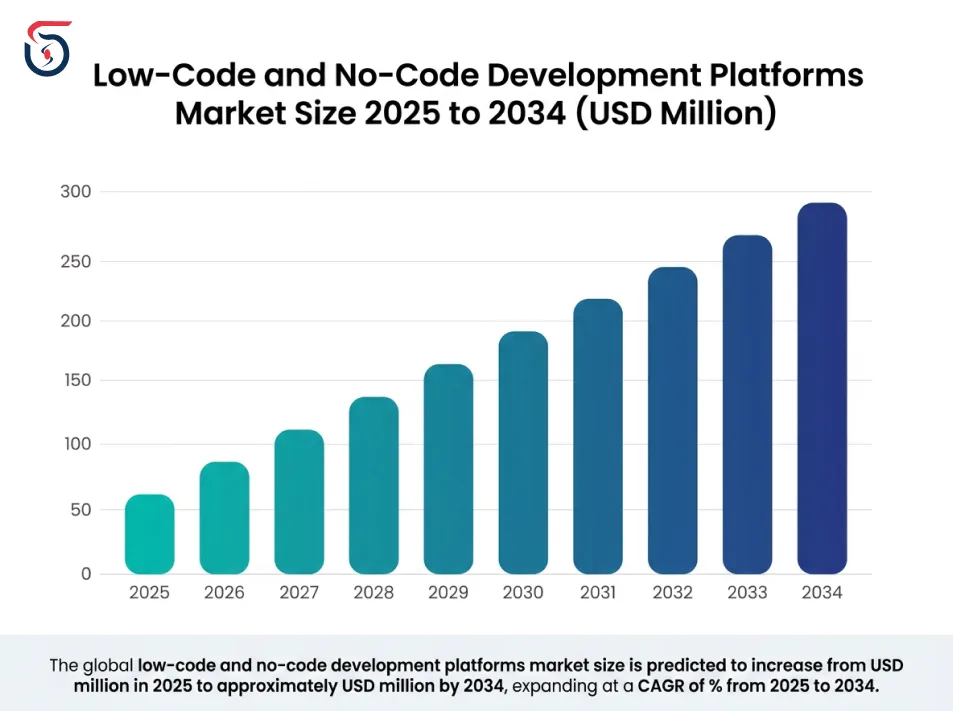
Why Low-Code/No-Code Adoption Is Accelerating
Low-Code vs. No-Code vs. AI Code Generation
The Best Low-Code and No-Code Platforms
Benefits of Low-Code/No-Code Development
Risks and Limitations to Plan For
Low-Code/No-Code vs. Custom Development: How to Decide
What This Means for Businesses
Join Our Newsletter
Get the latest tech trends, tutorials and expert analysis delivered straight to your inbox.
FAQs about Low-Code and No-Code Development Platforms
No-code platforms require zero programming knowledge and rely entirely on visual builders. Low-code platforms use the same visual approach but let developers add custom code for complex logic or integrations the builder can't handle.
No. LCNC platforms suit internal tools, MVPs, and departmental apps well. Complex SaaS products and high-performance systems still typically need custom-coded development.
No. No-code tools are built specifically for people with no programming background. Low-code platforms generally assume some technical familiarity.
Simple tools can be learned in hours. More powerful no-code builders typically take a few weeks of regular use, and enterprise low-code platforms often involve a more formal training path.
Many now are. Leading platforms offer SOC 2, GDPR, and HIPAA-aligned compliance features, SSO, and audit logging, but certifications vary significantly by vendor, so always verify before using one for sensitive data.
Vendor lock-in happens when a platform doesn't let you export your app as standard, portable code. If you outgrow the platform, migrating away can mean rebuilding the application from scratch.
OutSystems, Mendix, and Appian are the most commonly recommended platforms for large-scale, mission-critical enterprise applications, due to their governance, security, and scalability features.
Sometimes, but not always. No-code MVPs are excellent for validating an idea quickly. Once usage, complexity, or data sensitivity grows, many businesses migrate to custom-coded architecture to remove scalability and lock-in limits.
Pricing ranges widely, from free or low-cost per-seat plans for small teams to custom enterprise pricing for platforms like Mendix or OutSystems. Total cost should always be modeled against your actual expected user count, not the advertised starting price.
When the project involves custom algorithms, regulated or highly sensitive data, high-traffic performance needs, or is a long-term core product rather than a departmental tool, custom development typically delivers more value than stretching a low-code platform past its design limits.